Quick answer
What should software for a car service centre in Mohali do?
Software for car service centres in Mohali should open a digital job card for every vehicle, assign tasks to mechanics, track spare parts stock, make GST invoices, record cash and UPI payments and keep the full service history of each vehicle. It should also send service reminders and job updates to customers on WhatsApp.
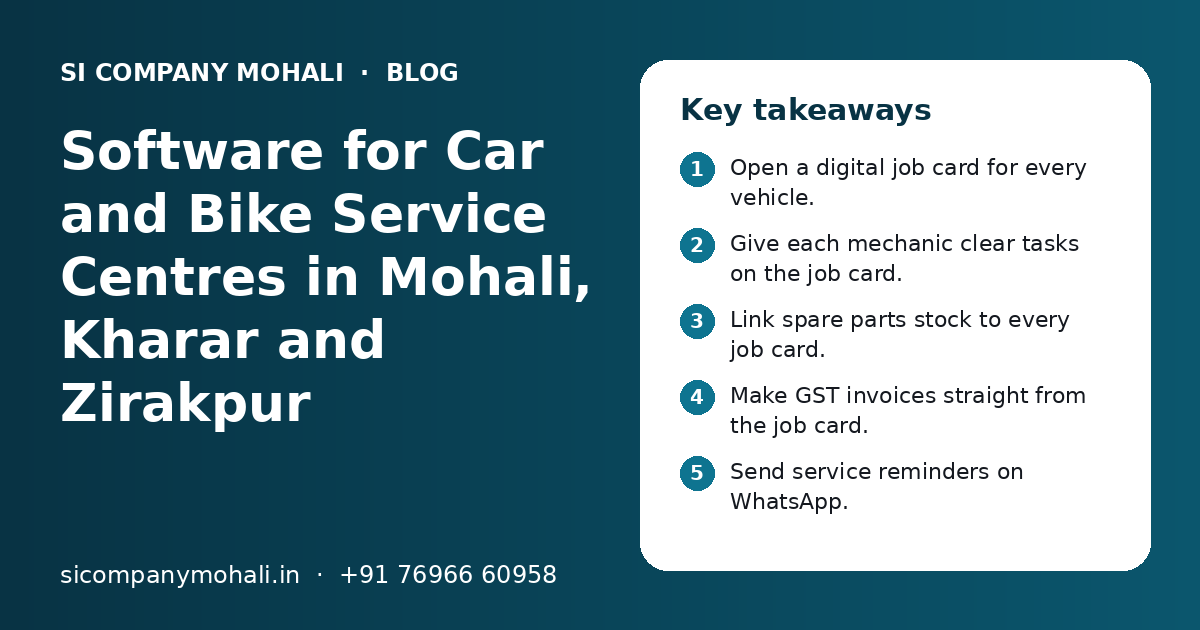
Key takeaways
- Open a digital job card for every vehicle.
- Give each mechanic clear tasks on the job card.
- Link spare parts stock to every job card.
- Make GST invoices straight from the job card.
- Send service reminders on WhatsApp.
- Keep full history for every vehicle number.
What is software for car service centres, and who in Mohali needs it?
Software for car service centres is one system that runs job cards, mechanic tasks, spare parts, invoices, payments and customer records for a workshop. Any car or bike workshop in Mohali that handles more than a few vehicles a day will save time with it.
Many workshops still use paper job cards and a WhatsApp group. That breaks when the workshop gets busy. A card gets lost. A part is fitted but not billed. A customer calls, and nobody knows the status.
We work with businesses across Mohali, and we serve Kharar and Zirakpur from our nearby Mohali office. Workshops in all these areas face the same daily problems, whether they are small garages or large service centres.
Multi-brand car workshops
General service, repairs, denting, painting and AC work for many car brands.
Bike and scooter service centres
High daily volume, quick jobs, many small parts and walk-in customers.
Specialist shops
Car wash and detailing, tyres and wheel alignment, batteries or car electricals.
Which features should workshop software have?
The core features are job cards, mechanic tasks, spare parts stock, estimates, GST invoices, payments, vehicle history and WhatsApp updates. Other features are useful, but these eight run the daily work.
| Feature | What it does | Why it matters |
|---|---|---|
| Digital job card | Records the vehicle, complaints, photos and work to be done | No lost paper, and every detail is in one place |
| Mechanic tasks | Assigns each job or part of a job to a mechanic | You know who is doing what, and who did it |
| Estimates and approvals | Sends a cost estimate to the customer before extra work | Fewer arguments at billing time |
| Spare parts stock | Reduces stock when a part is added to a job card | Every part fitted is also billed |
| GST invoices | Makes the final bill with parts, labour and tax split | Correct bills for customers and your accountant |
| Payments | Records cash, card and UPI, including part payments | Cash at the counter matches the system |
| Vehicle history | Shows every past visit for a vehicle number | Better advice and repeat trust |
| WhatsApp updates | Sends job status, invoice and service reminders | Fewer calls asking "is my car ready?" |
How does a digital job card work, from entry to delivery?
The service advisor opens a job card when the vehicle arrives, and the same card moves through inspection, work, billing and delivery. At every step, the card shows the current status.
- 1
Vehicle check-in
The advisor types the vehicle number. Past details show up at once for old customers. The advisor notes the odometer reading, fuel level and complaints.
- 2
Photos at entry
The advisor takes a few photos of the vehicle on a phone. Scratches and dents are on record before work starts.
- 3
Inspection and estimate
The mechanic adds the needed work and parts. The software makes an estimate from your rates.
- 4
Customer approval
The estimate goes to the customer on WhatsApp for approval.
- 5
Work and parts
Mechanics mark tasks as started and done. Parts are issued against the job card.
- 6
Quality check
The supervisor checks the work and marks the job ready.
- 7
Invoice and payment
The invoice is made from the job card in one click. The customer pays by cash, card or UPI.
- 8
Delivery and reminder
The software saves the next service date and sends a reminder later.
If you are new to software in your business, our software go-live checklist explains how to switch from paper without stopping work.
How do service reminders on WhatsApp bring customers back?
The software saves the next service date or reading for each vehicle and sends a WhatsApp reminder before it is due. Customers who get a timely, polite reminder are more likely to come back to you than to a new garage.
Most vehicle owners in Mohali use WhatsApp every day. A short message works better than a call that may be missed.
- "Your car is due for service next week. Reply 1 to book a slot."
- Job status: received, under inspection, waiting for approval, ready for delivery.
- Estimate for extra work, with a simple approve or call-back option.Invoice as a PDF, so the customer does not need a paper copy.
Our WhatsApp API integration team connects your workshop software to the official platform. If you also want to track enquiries for new jobs, a simple CRM can keep every lead and follow-up in one list.
How should a workshop manage spare parts stock?
Every part should enter stock with a purchase entry and leave stock only against a job card or a counter sale. This one rule stops most stock loss in a workshop.
| Stock task | Without software | With workshop software |
|---|---|---|
| Part issue | Mechanic takes it from the shelf | Store issues it against a job card |
| Billing of parts | Depends on someone remembering | Part on the job card goes on the invoice |
| Low stock | Found when the part is not there | Alert when stock falls below a set level |
| Slow-moving parts | Not noticed | Report shows parts lying unsold for months |
| Oil and fluids | Rough guess | Recorded in litres or ml per job |
Workshops with a large store, or more than one branch, can connect this to our inventory management software for barcodes, batch numbers and stock transfers between branches.
Need help with your project?
Talk to the SI Company Mohali team. Free first call, simple advice, clear quote.
How does workshop software handle GST invoices and UPI payments?
The software makes a GST invoice from the job card, with parts and labour shown on separate lines and the tax split shown clearly. Payments by cash, card or UPI are recorded against the invoice, so you always know what is paid and what is due.
Your accountant decides the correct tax rates for parts and labour. The software applies those rates the same way on every bill.
- Your GSTIN, business name and address print on every invoice.
- Parts and labour are on separate lines with HSN or SAC codes set by your CA.
- The customer's GSTIN can be added for business customers and fleet owners.
- Invoice numbers run in order, with no gaps or repeats.
- A UPI QR code can print on the invoice for quick payment.
- Part payments and advances are recorded, with the balance shown.
For insurance jobs, the software can split the bill into the insurer's share and the customer's share. The exact rules depend on the insurer, so we set this up with your team.
How do you track mechanic work and workshop bays?
Each task on a job card is assigned to a mechanic, who marks it started and done on a phone or a shared screen. The supervisor sees all bays and all jobs on one board.
What the supervisor sees
- Which vehicle is in which bay right now.
- Jobs waiting for parts or for customer approval.
- Jobs that are late against the promised delivery time.
- Work done by each mechanic in a day or a month.
Why this matters
When work is recorded, the owner can plan staff and reward good mechanics fairly. A vehicle that returns with the same problem can be linked to the first job card.
Mechanics do not need to type much. Big buttons, photos and a simple list in Hindi or Punjabi, if needed, work better than long forms. A light mobile app or a phone-friendly web screen is often enough.
Ready-made garage software or custom software: which is better?
Ready-made garage software is better for a single workshop with a standard process. Custom software is better when you run many branches, mix sales and service, handle many insurance jobs or need a process that no ready tool fits.
| Point | Ready-made garage software | Custom workshop software |
|---|---|---|
| Start time | Quick, often within days | Built in phases over weeks |
| Fit | You follow its process | Built around your process |
| Cost pattern | Monthly or yearly fee, often per user or branch | Build cost, then hosting and optional support |
| Many branches | May need a higher plan | Planned from the start |
| Changes | Only what the vendor allows | You decide what to add |
| Data | Stored with the vendor | Stored on your own cloud account |
Some owners keep a ready tool and add a custom dashboard or WhatsApp flow around it. Our software development team can look at how your workshop runs and suggest the simplest path. If you build custom, read who owns the source code before you sign.
What affects the cost of software for a car service centre?
Cost depends on the number of branches and users, the features you need, the links to other tools and whether you choose ready-made or custom software. We do not share fixed prices online; you get a clear quote after a free call.
| Cost factor | Lower effort | Higher effort |
|---|---|---|
| Branches | One workshop | Many branches with transfers |
| Users | A few staff logins | Advisors, mechanics, store, accounts and owners |
| Features | Job card, invoice, stock | Insurance, pick-up and drop, loyalty, customer app |
| Invoice sharing | Full reminders and two-way chat | |
| Integrations | None | Tally, payment gateway, website booking form |
Hardware like a counter computer, a printer and phones for mechanics is a separate cost. Our page on software development cost explains these factors in more detail.
How do you choose and set up workshop software without trouble?
Write down how your workshop runs today, test the software with real vehicles and your own staff, and switch on a normal weekday. Keep paper job cards ready for the first few days, just in case.
- List your services, labour rates and the parts you use most.
- Ask your CA for the tax rates and codes for parts and labour.
- Test a full job, from check-in to delivery, before going live.
- Train advisors, mechanics, the store person and accounts by role.
- Give each person their own login. Never share the owner's login.
- Check the stock and cash every day for the first two weeks.
SI Company Mohali is powered by Shivah Web Tech, with 11+ years of work, a 25+ member in-house team and 500+ projects. We build and connect job card, stock, invoice and WhatsApp tools for local businesses, and we serve Kharar and Zirakpur from our nearby Mohali office. Office hours are Mon–Fri 9:30–6:30 IST, with 24x7 emergency support for urgent issues. Our IT support team can also help with the counter computer, printer and network at your workshop.
Frequently Asked Questions
What is the best garage software for a small workshop in Mohali?
There is no single best option for every workshop. A small garage needs digital job cards, simple parts stock, GST invoices, UPI payment records and vehicle history. A ready-made tool often fits a single workshop well. If you plan more branches, many insurance jobs or your own customer app, ask about custom software that can grow with you.
Can workshop software send service reminders on WhatsApp automatically?
Yes. The software saves the next service date for each vehicle and sends a reminder when it comes near. For automatic messages, it must be connected to the official WhatsApp Business Platform from Meta, with approved message templates. Customers should agree to get these messages, and Meta charges for messages as per its current pricing.
Is software useful for a bike service centre too?
Yes. Bike and scooter service centres often handle many vehicles a day with quick jobs. Fast check-in by vehicle number, short job cards, parts issue and quick billing help a lot. WhatsApp messages that say the bike is ready also save many phone calls at the counter on busy mornings.
Can I see the full history of a customer's car in the software?
Yes. Every job card is saved against the vehicle number. When the car comes back, the advisor can see past visits, complaints, parts fitted, odometer readings and bills. This helps you give better advice, spot repeat problems and show the customer what was done before. It also helps if the car is later sold.
How long does it take to set up software for a car workshop?
A ready-made tool for one workshop can be set up in a few days once your services, rates and tax details are ready. Custom software is usually built in phases over a few weeks or months, depending on branches, features and integrations. Testing with real vehicles and your own staff should always be part of the plan.
Will mechanics be able to use the software easily?
Yes, if the screens are simple. Mechanics should only see their own tasks, with big buttons to start and finish work and an option to add photos. Labels can be in Hindi or Punjabi if your team prefers. Short training on the floor, not in a meeting room, helps them learn faster.
Do you serve car service centres in Kharar and Zirakpur?
Yes. We work with businesses in Mohali, and we serve Kharar, Zirakpur and Chandigarh from our nearby Mohali office. We can visit your workshop to understand the counter, store and bay flow. Most support after launch is done remotely, with on-site visits when hardware or network checks are needed.