Quick answer
Can business software work in Punjabi and Hindi?
Yes. Business software in Punjabi and Hindi works well when it is planned from the start. Menus, buttons, forms, messages and simple reports can show in Gurmukhi or Devanagari, with a switch to English. Staff can type or speak in their own language. The main work is good translation, the right fonts, smart search and testing on real phones.
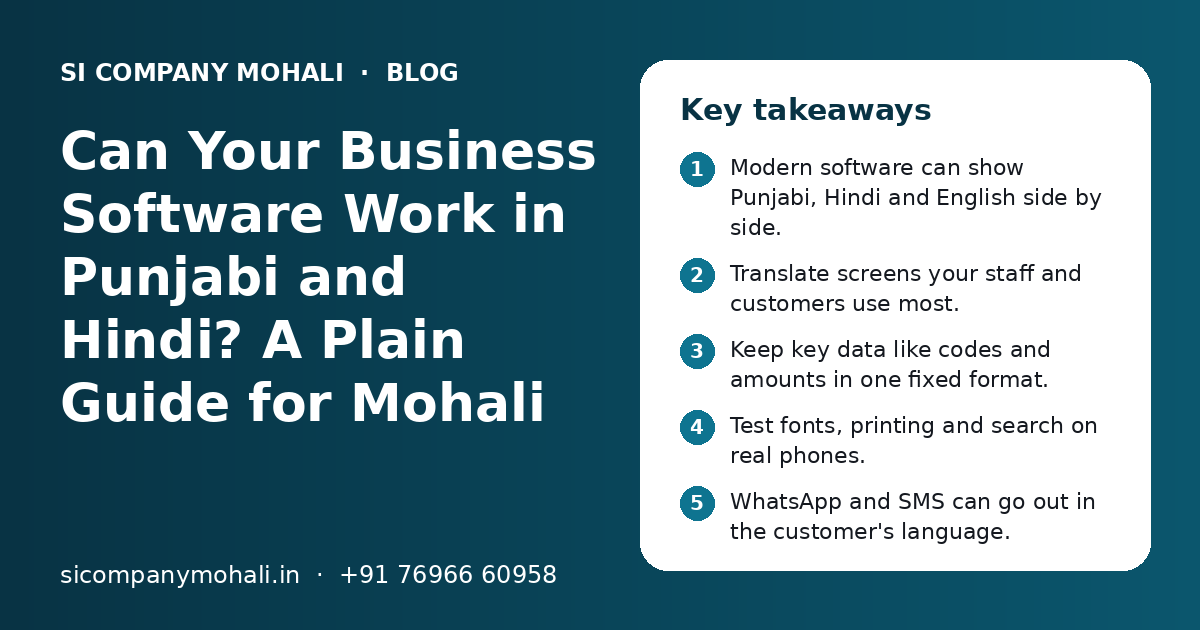
Key takeaways
- Modern software can show Punjabi, Hindi and English side by side.
- Translate screens your staff and customers use most.
- Keep key data like codes and amounts in one fixed format.
- Test fonts, printing and search on real phones.
- WhatsApp and SMS can go out in the customer's language.
- Plan languages early; adding them later costs more effort.
Can business software really work in Punjabi and Hindi?
Yes. Today's web apps, mobile apps and CRMs can show screens, messages and reports in Punjabi and Hindi, and let users switch to English with one tap. It works best when languages are part of the plan from day one.
Punjabi uses the Gurmukhi script and Hindi uses Devanagari. Both are part of Unicode, the text standard that phones, browsers and databases use. So the technology is ready. The real work is planning, translation and testing.
Asking for business software in Punjabi and Hindi is common in Mohali. A trader in the Phase 8 Industrial Area may have godown staff who are more at ease in Punjabi. A clinic in Kharar may have patients who prefer Hindi messages. A delivery team in Zirakpur may read Hindi better than English. The right language means fewer mistakes and less training.
Who in a Tricity business needs software in a local language?
Usually the people who use the software on the ground: field staff, godown and factory staff, delivery riders, front-desk teams and many customers. Office users often stay comfortable with English.
Field and sales staff
They log visits, orders and payments on a phone, often while standing at a customer's shop.
Godown and factory staff
They mark stock in and out, packing and dispatch. Simple Punjabi or Hindi labels reduce wrong entries.
Delivery riders
They need clear addresses, order details and a delivered button they understand at a glance.
Front desk and support
They take calls and bookings and may need to read notes written in more than one language.
Customers
They get order updates, bills and reminders, and many prefer to read these in their own language.
You do not need to translate everything for everyone. Start with the people who make the most entries or who face the most confusion with English screens today.
Which parts of the software should be translated first?
Translate the screens and messages that are used most often, by the people who find English hardest. Leave rarely used admin screens in English to begin with.
| Part of the software | Translate early? | Why |
|---|---|---|
| Login, menus and main buttons | Yes | Every user sees them many times a day |
| Data entry forms for staff | Yes | Wrong field choices cause wrong data |
| Error and success messages | Yes | Users must know what went wrong and what to do |
| Customer WhatsApp and SMS messages | Yes | Customers act faster on messages they fully understand |
| Daily summary for owners | Often | Easy to read on a phone in the morning |
| Detailed reports and exports | Later | Mostly used by office and accounts teams |
| Admin and settings screens | Later | Used by a few trained people |
| Help text and short training notes | Yes | Helps new staff learn on their own |
This order keeps the first version small.
How is a Punjabi and Hindi version of an app built?
Developers keep all screen text in separate language files instead of writing it into the code. Each language has its own file, and the app picks the right one based on the user's choice.
- 1
Choose the languages
Decide which languages each type of user needs. Many Tricity businesses pick English plus Punjabi, English plus Hindi, or all three.
- 2
Keep text out of the code
Every label and message goes into language files. Words can then change without touching the code.
- 3
Write simple English first
Short, clear English is easier to translate well. Long sentences and office jargon lead to strange translations.
- 4
Translate with a human check
A machine can make the first draft, but a person who speaks the language at work should check every line.
- 5
Set fonts and layout
Pick fonts that show Gurmukhi and Devanagari clearly, and leave room for longer words on buttons.
- 6
Add a language switch
Put a clear switch on the login screen and in the profile, so each user can choose.
- 7
Test with real users
Give the app to a few staff members on their own phones and watch where they get stuck.
This approach works for web application development in Mohali as well as Android and iPhone apps. Our mobile app development in Mohali team plans the language files in the first design stage, so adding a language later is a small job, not a rebuild.
Need help with your project?
Talk to the SI Company Mohali team. Free first call, simple advice, clear quote.
What problems come up with Punjabi and Hindi text, and how are they fixed?
The common problems are broken fonts, words that do not fit on buttons, search that misses results, and printouts with boxes in place of letters. All of these can be fixed with the right setup and testing.
Fonts and display
Some older phones and printers do not have good Gurmukhi or Devanagari fonts. Text may show as empty boxes or with broken vowel signs. The fix is to include a proper font inside the app and the PDF templates, instead of hoping the phone has one.
Layout and length
A word in Punjabi or Hindi can be longer or shorter than the English one. A button that fits Save may not fit the translated word. Designers should test every screen in every language, not only in English.
Typing and search
Many people type Punjabi or Hindi words in English letters on WhatsApp, like Romanised Hindi. So a customer name may be saved as English letters by one staff member and in Gurmukhi by another. Good search should handle both, or the business should fix one rule for how names are saved.
Printing and exports
Invoices, delivery slips and reports must print correctly on your actual printer. Spreadsheet exports should use UTF-8 encoding so the text opens correctly in Excel or Google Sheets.
Should business data be saved in English or in the local language?
Keep fixed data like codes, amounts, dates, GSTIN and status values in one standard format, and translate only how they are shown on screen. Free text, like notes and customer names, can be saved in whatever language the user types.
This keeps reports clean. If one person saves Delivered and another types the Hindi word, reports count two different things. A fixed choice shows in each user's language, but the data stays the same.
| Type of data | How to save it | How users see it |
|---|---|---|
| Order status, lead stage, payment mode | Fixed value from a list | Shown in the user's chosen language |
| Amounts, quantities, dates | Standard number and date format | Same for everyone |
| Product and item names | One main name, with optional local name | Main name or local name, by setting |
| Customer names and addresses | As typed, with a rule agreed by the team | As saved |
| Notes and remarks | As typed, in any language | As saved |
| GSTIN, HSN codes, invoice numbers | Standard format only | Same for everyone |
For GST invoices, check with your CA which details must appear and in what form. The software can print a bill in English with a local language line, or in both, based on that advice. Our CRM solutions in Mohali follow the same idea: lead stages are fixed lists, while notes can be in any language.
Can WhatsApp, SMS and voice work in Punjabi and Hindi?
Yes. WhatsApp messages can be sent in Punjabi or Hindi, and the software can pick the language based on each customer's choice. SMS also supports these scripts, and many phones let staff speak instead of type.
WhatsApp messages
With the official WhatsApp Business API, you create approved message templates for things like order updates, payment reminders and appointment alerts. You can keep a version of each template in each language you need. The software then sends the right one based on the language saved on the customer's record. Read more on our WhatsApp API integration in Mohali page.
SMS
SMS in Punjabi or Hindi uses Unicode, and a Unicode SMS holds fewer characters per message than an English one. A long message may count as more than one SMS. Keep local language SMS short and clear.
Voice typing and voice notes
Many phone keyboards let users speak in Hindi or Punjabi and turn it into text. The software can also accept voice notes as attachments on a visit or a complaint, so a supervisor can listen later.
What affects the effort and cost of adding Punjabi and Hindi?
The main factors are the number of languages, the number of screens and messages, whether the software is new or already built, and how much printing and reporting must be in each language.
- How many languages you need: one extra language or two.
- How many screens, forms and messages need translation.
- Whether the app is new or must be changed after it is built.
- How many invoices, slips and reports must print in local script.
- WhatsApp and SMS templates in each language.
- Testing on the phones and printers your team really uses.
Adding languages at the start is much easier than adding them after launch. If the code was not built for it, every piece of text has to be found and moved first. The software development cost in Mohali page explains the wider cost drivers.
How do you plan a Punjabi and Hindi version for your business?
Start by listing who uses the software, which language each group prefers, and which screens they use most. Then build a small version, test it with real staff and grow from there.
- List user groups, like office, field, godown and customers.
- Ask each group which language they prefer to read.
- Mark the ten to fifteen screens and messages used most.
- Agree on rules for saving names, status values and dates.
- Pick one or two staff members to review translations.
- Test on cheap and old phones, not only new ones.
- Print sample bills and slips before go-live.
Mistakes to avoid
- Translating word by word without a person who uses the language at work.
- Letting staff type status values freely, which breaks reports.
- Forcing one language on everyone instead of giving a switch.
- Forgetting customer messages and printed bills in the plan.
Before launch, our software go-live checklist helps you check data, users and backups. Our parent team, Shivah Web Tech, has 11+ years of work and 500+ projects behind it, with a 25+ member in-house team in Mohali. We serve Kharar, Zirakpur and Chandigarh from our nearby Mohali office. To talk about your software, contact us for a free call.
Frequently Asked Questions
Can a CRM work in Punjabi for my sales team?
Yes. A CRM can show menus, buttons, lead stages and reminders in Punjabi, while managers see the same data in English. Lead stages should be fixed lists, so reports stay correct no matter which language a user picks. Notes can be typed in Punjabi, Hindi or English. Test it with a few sales staff on their own phones before rolling it out to the full team.
Is it expensive to make an app in Hindi and English?
It depends on the number of screens, messages and printed documents, and on whether the app is new or already built. Planning both languages at the start keeps the extra effort small, because all text sits in language files from day one. Adding Hindi to an old app can take more work if the text is mixed into the code. You get a clear quote after a free call.
Will Punjabi text show correctly on all phones?
Most modern phones show Gurmukhi well, but some older or cheaper phones may show broken letters. The safe way is to pack a proper Gurmukhi font inside the app and inside PDF templates. Then the text looks the same on every phone and printout. Always test on a few older phones used by your staff before you go live.
Can customers get WhatsApp order updates in Hindi or Punjabi?
Yes. With the official WhatsApp Business API, you can set up approved templates in each language you need. The software checks the language saved on each customer's record and sends the matching template. Ask customers for their preferred language at the first order or booking, and let them change it later through a simple reply or a staff update.
Can GST invoices be printed in Punjabi or Hindi?
The software can print invoices with local language text, either fully or alongside English. What must appear on a GST invoice, and in what form, is a question for your CA. We set up the invoice format as your CA advises, use proper fonts so the script prints cleanly, and test it on your real printer before go-live.
Can you add Punjabi or Hindi to software we already use?
Often yes, if it is custom software and you have the source code. We first check how the screen text is stored. If it is already in language files, adding a language is simpler. If text is written inside the code, it must be moved out first. For ready-made software, it depends on whether the vendor supports more languages.